How to Play Android Games on PC Without Heavy Emulators
Learn how to play mobile games on PC with Mirrizo. Mirror your Android screen and play with full mouse and keyboard control — no app, no download.
Read More
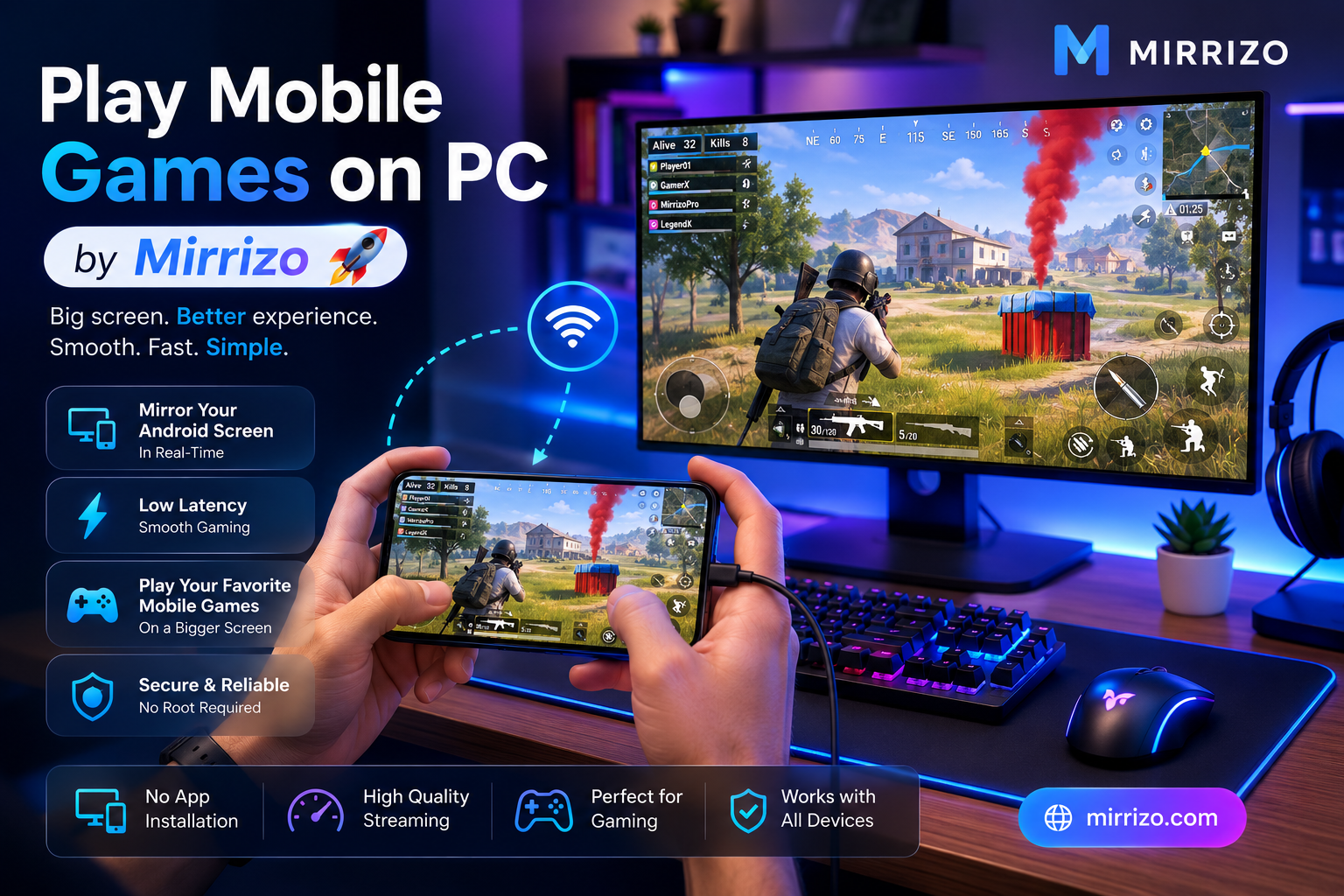
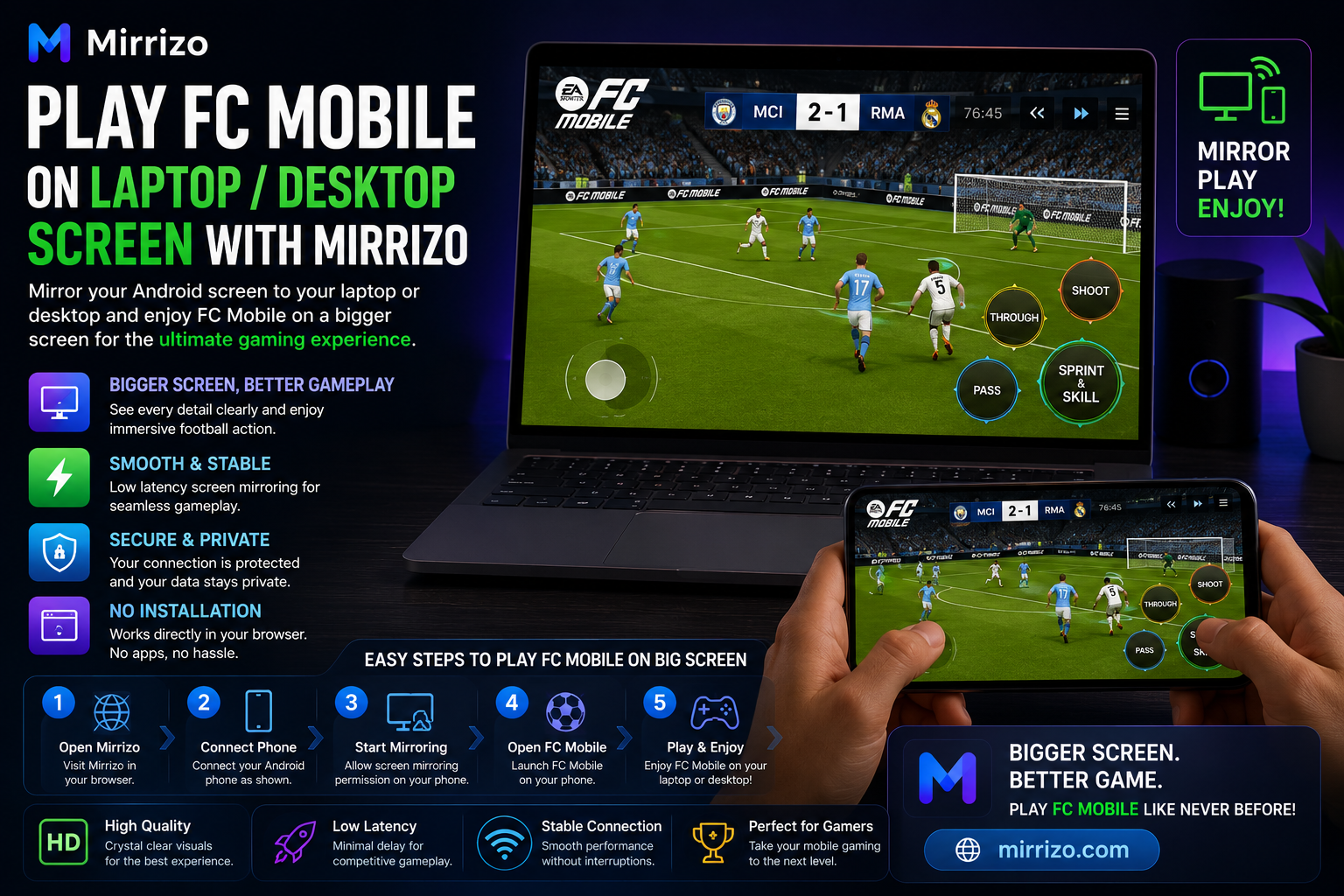
Playing mobile games on a larger screen can completely change the experience. Whether you're racing, battling, exploring open worlds, or competing online, a bigger display makes every detail easier to see and every session more enjoyable.
With Mirrizo, you can use screen mirroring to view your Android phone on your PC through a clean, browser-based experience. Instead of staring at a small phone screen, you can enjoy your favorite mobile games on a much larger display.
If you've been looking for an easy way to play mobile games on PC, mirror your Android screen to a computer, or find a modern screen mirror app, this guide will show you everything you need to know.
---
Although mobile games are designed for smartphones, many players prefer viewing them on a larger monitor.
A bigger display offers several advantages:
Whether you're playing action, racing, strategy, RPG, sports, or casual games, screen mirroring makes it easier to enjoy every detail.
---
Mirrizo is built around one simple goal:
Make mobile-to-PC screen sharing easy.
Instead of downloading complicated desktop software, Mirrizo focuses on a clean browser-first experience that is simple enough for beginners while still useful for developers, creators, and gamers.
---
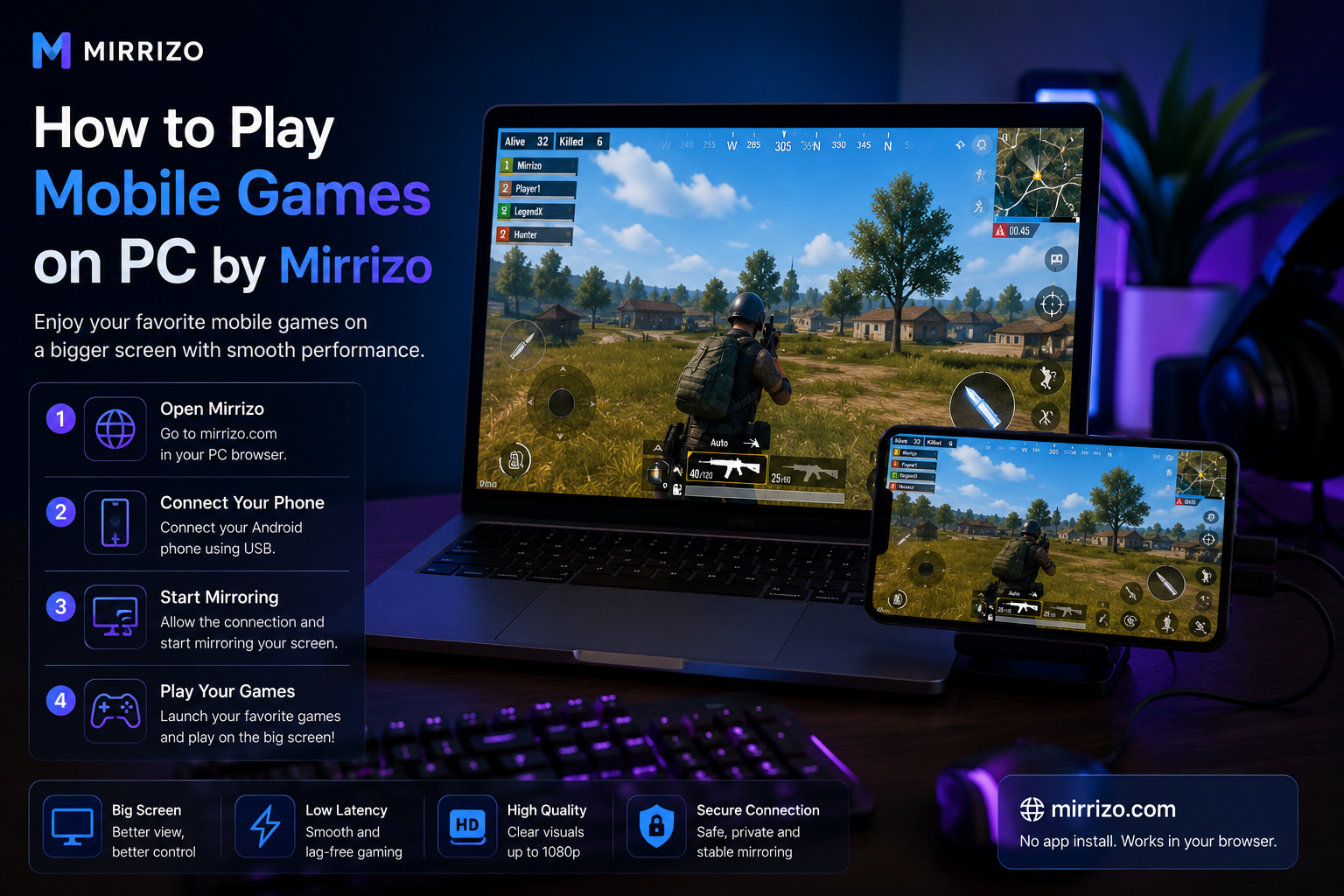
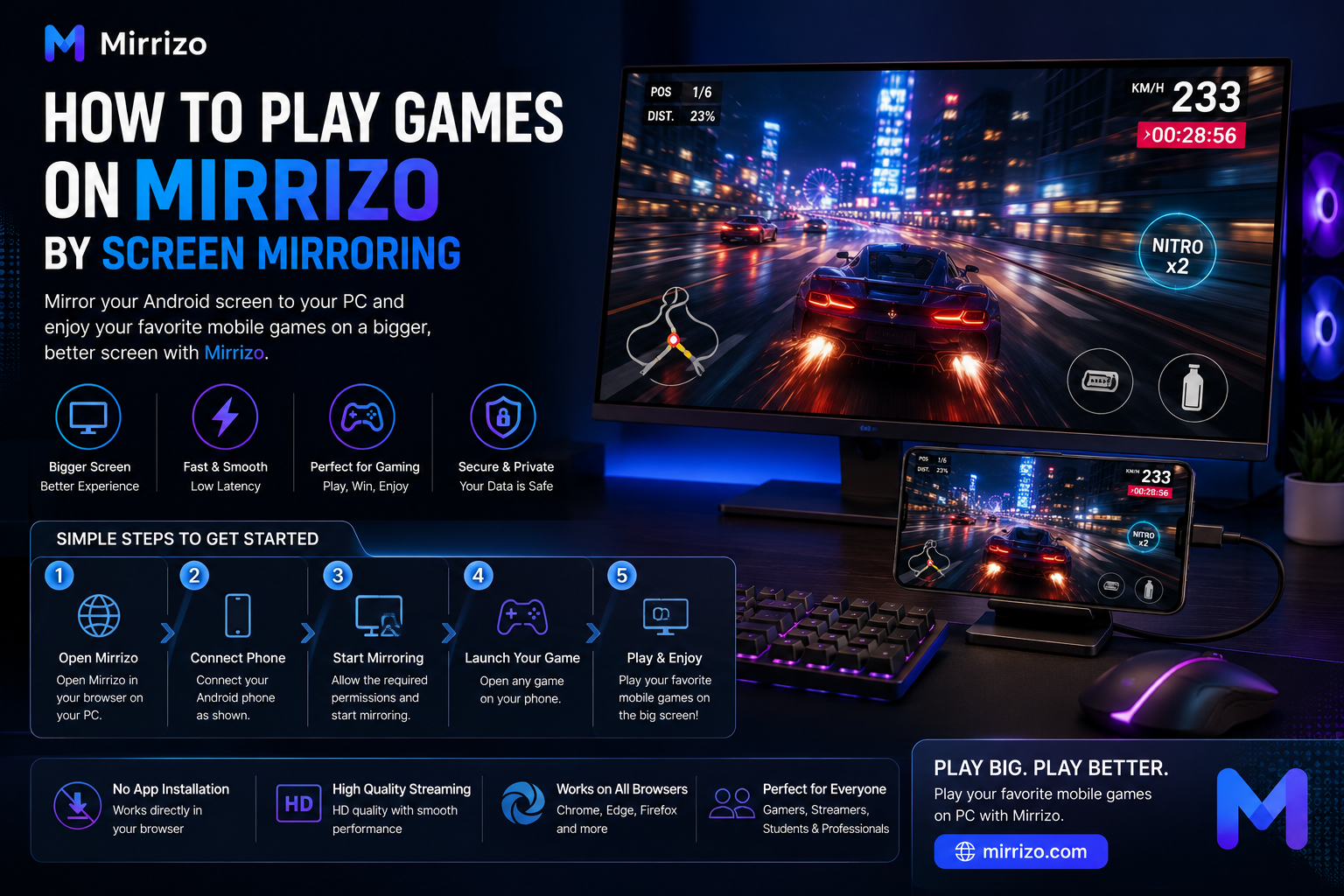
Getting started is simple.
Visit the Mirrizo website from your PC using a supported browser.
Connect your Android phone and follow the on-screen instructions to establish the screen mirroring session.
Grant the necessary permissions on your Android device when prompted.
Open any mobile game on your phone.
Your phone screen will now appear on your PC through Mirrizo.
Sit back and enjoy your favorite mobile games on your computer display while keeping everything running directly from your phone.
---
A smooth gaming experience depends on a few simple factors.
If the mirrored screen feels delayed:
If gameplay looks choppy:
If the sound feels out of sync:
If your phone disconnects:
---
Mirrizo isn't just for gaming.
People also use it for:
---
To get the most out of Mirrizo, follow these tips:
Small improvements like these can noticeably improve your overall screen mirroring experience.
---
Modern gamers increasingly prefer browser-based screen sharing because it removes unnecessary setup and keeps the experience straightforward.
Instead of installing multiple programs, you simply open the browser, connect your device, and start playing.
This approach is especially useful for users searching for:
Mirrizo brings these capabilities together in one clean experience.
---
Yes. Mirrizo mirrors your Android screen to your PC, allowing you to enjoy mobile games on a larger display.
Mirrizo is a browser-based screen mirroring platform designed for simple mobile-to-PC screen sharing.
No. Mirrizo is designed to work without requiring your Android device to be rooted.
Mirrizo is designed for Android devices and lets you display your phone screen on a PC through a supported web browser.
---
If you're looking for a modern way to play games on your PC through screen mirroring, Mirrizo offers a clean, browser-first solution that keeps the process simple.
Whether you're gaming, creating tutorials, testing apps, or presenting your screen, Mirrizo helps you enjoy your Android device on a larger display without unnecessary complexity.
Ready to experience mobile gaming on a bigger screen? Visit Mirrizo and discover how simple browser-based screen mirroring can be.